If you have even a little bit of interest in Android, sooner or later you will come across the term “Rooting”. There have been numerous Apps that want the device to be rooted to make them work. Then there are many discontinued devices running the older version of the Android where any fresh Android update is possible only after rooting the device. Moreover, there are some inbuilt default apps installed by the manufacturers of the device which, though absolutely useless, can not be uninstalled from the device unless having root access. So What is Rooting in Android Phone everything you need to know.
What is Rooting?
Rooting is a process to get full access to Android devices. In simple rooting is a process that unlocks administrative access of android phones. It is as like as jailbreaking.
So What is Rooting in Android?
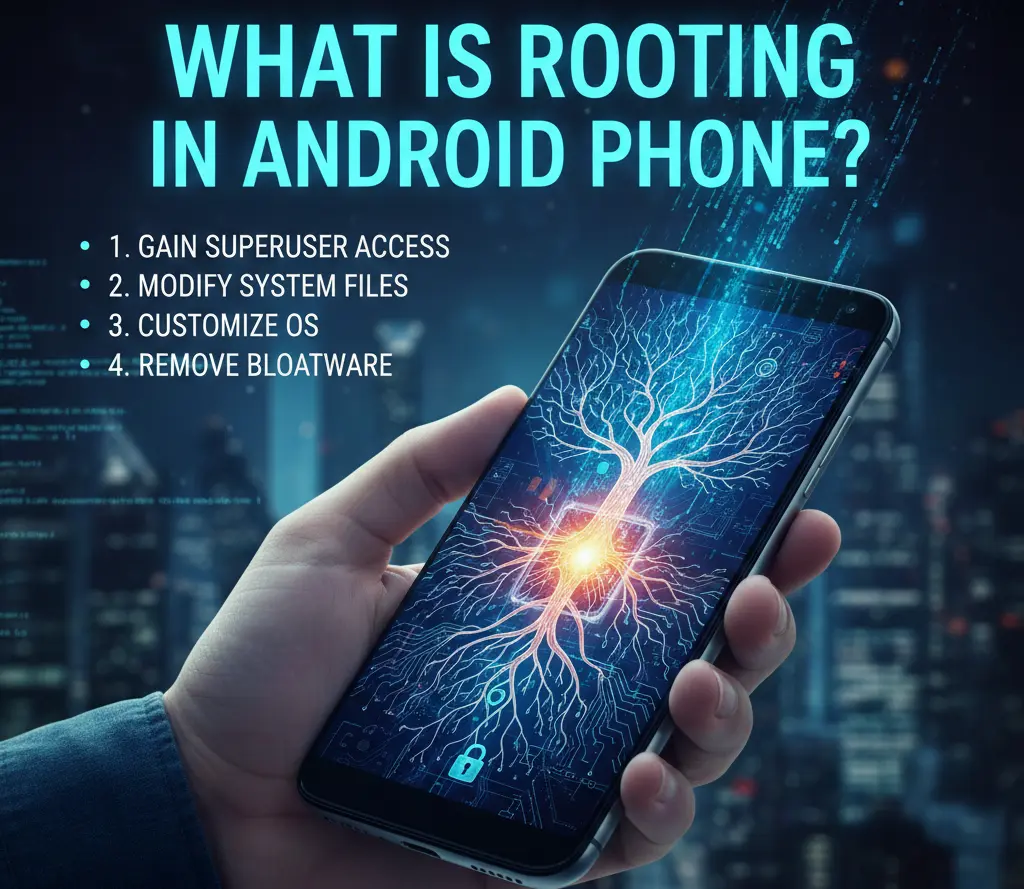
Actually, in simplest terms, Rooting an Android Device is nothing but getting the ability to have administrative privilege while running it.
Now, what does that mean by Rooting an Android?
So, rooting in Android phone means, The process of getting Administrator access to Android Phones.
Running something as Administrator gives you full and complete control over it. An Administrator can make almost any change in the system.
In Android devices, administrative access is locked by default. All Android phones come with restricted administrative access. Thus, the process of removing that restricted administrative access is known as Rooting.
What’s you will get by Rooting
Here are some points that you will get by rooting your Android phone.
- Full control of your Android phone
- Install any apps as you want
- Uninstall any kind of apps you don’t need
- You can install any version of Android ( latest or bacgraed )
- You can install custom ROM and Themes
- You’re battery life with extant
What’s you will lose by Rooting
Here are some points that you will lose by rooting your Android phone.
- Your phone warranty will be gone
- Your phone can be gose into heard brick ( if anything goes wrong )
- Hacker can easily rich you
- The virus can attack your phone easily.
Now, why Android Device comes with these Restrictions in the first place?
First of all, having administrative privilege, without knowing how to use it, is a dangerous situation. It is like giving a knife in the hand of a monkey. Mobile & Tablet Manufactures caters to a huge segment of society and they develop their product keeping the average user in mind. An average user is not likely to use the device in an advanced manner. He does not go too deep to explore the various nitty-gritty of the device as all his average requirements are fulfilled by the basic functionality provided by the manufacturers.
Moreover, having a restricted version of the device’s operating system in all the device provides a level playing field for the manufacturer. At the time of any further updates to the software, all the restricted device will be updated uniformly which would not be the case if every device had been altered by its user by utilizing the administrative privilege.
The third reason for a restricted device is the fear of malicious apps that (if allowed root access) can wreak havoc on the device. Given the fact that Android is Open Source, its vulnerabilities are always prone to be used by hackers and coders to game the system. As such, maintaining security is another reason for restricting the administrative privilege to an Android device.
As such, the moment you root your device, you will lose the warranty protection from the manufacturer. Moreover, you will risk the possibility of rendering your device completely damaged and beyond repair in case the rooting goes wrong.
But why people still love to Root their Android?
Despite the above-mentioned risk, many people love to root their Android devices and do the same at the very first opportunity.
The curiosity of the unknown has been the prime motivating factor of the human race. People love to take the risk, to explore the new world, to learn new things – all this even at the cost of their life.
That’s exactly is the reason people root their Android. Everybody, who rise above the average, will take this risk despite the dangers involved. However, only those should dare take this path, who are tech-savvy and have enough knowledge of their device. As the saying goes, a little knowledge is a dangerous thing. Therefore, one should not take any decision to root his android in haste. He should read all the pros and cons of rooting an Android before coming to any conclusion. That, in my humble opinion, is the best way to take any decision in life.
Thing you need to consider before rooting your Android phone
Here are some important things that you need to know about before you root your Android phone.
Know about rooting in details: before you root your phone you have known much more about rooting. Because if you don’t know everything about rooting then you can make a mistake and your phone turns into a hard brick. So if you don’t know much about rooting then search on Google to see what is rooting in Android phone and search also how to root android phone. And also see on YouTube how to do it.
Install an antivirus before rooting: if you make sure that you really want to root your phone then install an antivirus before rooting. Because of is true that hackers are want to get into the phone. Without an antivirus, your phone will be wide open for them.
Ask the expert for help: contact with an expert for rooting your phone. It will be a good decision for you to get help from an expert. There are many things that you may don’t know. So it will a Wise desition to get help who has done this thing before.
Thing you need to do after rooting your Android phone
Here is some advice that you will need after rooting your Android phone.
Install a powerful antivirus: when you root your Android phone it becomes wide open for hackers. So you need to install a powerful antivirus to keep your phone safe. And you need to do that just after rooting your phone.
Careful about installing apps: after rooting your Android phone you have to be careful about installing any apps. Because a lot of apps up there with malware and they’re want to hack your phone to get your personal information like account number, password and many things.
Notes:
- we always recommend that you take an expert to advise to root your phone.
- If you want to unroot your phone then you can do it. In that case, we also recommend to take an expert to advise.
Now here are some useful articles on Rooting your Android which will help you make a proper decision:
Android rooting: A very informative article from Wikipedia. A comprehensive post that tell you, What is Root? Why do people want Root? How does Root work? How would I obtain Root? How to verify Root? The Advantages and Disadvantages, Excellent article covering both the Pros and Cons. Accurate and correct information about root access can be difficult to obtain.
FAQs: Understanding Android Rooting
Q1: What exactly is “rooting” an Android phone?
Ans: Rooting is the process of gaining “superuser” access to the Android operating system. Think of it like moving from a “guest” user on a computer to an “Administrator.” It allows you to access and modify system files that are usually locked by the manufacturer or carrier.
Q2: Does rooting void my phone’s warranty?
Ans: In most cases, yes. Most manufacturers and carriers consider rooting a violation of their terms of service. While you can often “unroot” the device to restore it to its factory state, some devices have a physical “fuse” (like Samsung’s Knox) that trips once the system is modified, alerting technicians that the device was once rooted.
Q3: Is rooting the same as unlocking the bootloader?
Ans: No, but they are related. Unlocking the bootloader is usually the first step; it allows you to install custom software (like a Custom ROM). Rooting specifically refers to gaining administrative permissions within the software. You often need an unlocked bootloader to root, but they are two distinct actions.
Q4: Can rooting “brick” my phone?
Ans: There is a small risk. “Bricking” means the phone becomes as useless as a brick because the software is corrupted. However, if you follow reputable guides for your specific model and build number, the risk is minimal. Most modern issues result in a “soft brick,” which can be fixed by reflashing the original firmware.
Q5: What are the main benefits of rooting?
Ans: The biggest perks include:
- Bloatware Removal: Deleting pre-installed apps you don’t want.
- Complete Backups: Using apps like Titanium Backup to save every bit of app data.
- Deep Customization: Changing system fonts, animations, and CPU clock speeds.
- Ad-blocking: Blocking ads at the system level across all apps.
Q6: Are there security risks involved?
Ans: Yes. By gaining superuser access, you are essentially removing the safety barriers of Android. If you accidentally grant root access to a malicious app, it could access your private data, passwords, or system files. It requires the user to be much more vigilant about which apps they trust.
Q7: Will I still receive official OTA (Over-the-Air) updates?
Ans: Usually, no. Once the system files are modified, the official update check will fail because the software “signature” has changed. To update a rooted phone, you typically have to manually flash the new version of the software, which often requires re-rooting afterward.
Short Conclusion
Rooting offers unparalleled freedom for power users, turning a locked-down device into a truly personal computer. However, it requires a trade-off in security and warranty. If you value deep customization over “set-it-and-forget-it” stability, rooting is a path worth exploring—just be sure to back up your data first.