We can say that the operating system android, burst into our lives. Agree, it is easy to use and free and there are many budget models of phones running this OS. That’s why, all the famous product from Google, appears in many pockets, around the globe. And these pockets are getting bigger every day. This is an excellent opportunity for hackers to make money on this. How?
While the term “virus” is commonly used, most Android threats are actually malware (malicious software) designed to steal data, track your location, or empty your bank account. In 2026, we’ve seen a 29% surge in attacks, with sophisticated threats like SparkCat and Triada targeting everything from your photo gallery to your one-time passwords (OTPs).
Virus on Android Devices?
Very simple – viruses. Although this sounds rather strange: “The virus on the phone?”, it is. Pioneers in this field was the company Trustwave. They were the first to try to write a virus that would be able to collect personal data from the phone and send them back to the author of the virus. They did it, but as Trustwave herself stated, it was rather difficult to do (it’s understandable, because to write a virus on Android until this day, it was considered almost impossible). Of course, this could not go unnoticed and in August of the same year, the so-called Sms-Sender was caught, which, under the guise of an application, was installed on the phone and in the background, sent money from a mobile account, sending it to another person (most likely the authors of the virus ). And then rushed … The initial push was given and the virus began to actively spread in the network.
It would seem that for a person who installs applications only from official sources (Play-Market), there is nothing to be afraid of, but this is far from true. In the spring of 2011 (then at the Android Market), more than 22 programs were found that had “on board” unfavorable software. Naturally, they were immediately removed, and the Android Market security system became tougher.
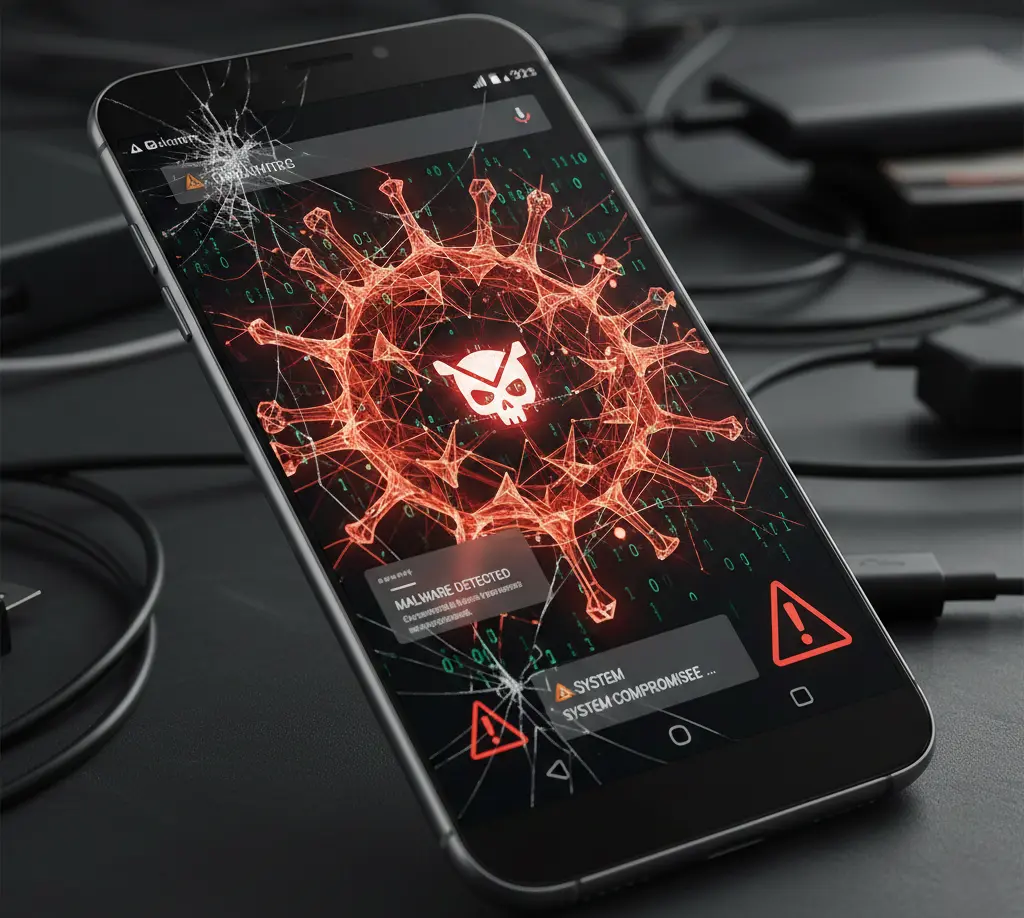
Feature-by-Feature Comparison: Top Android Threats
| Threat Type | Goal | Common Delivery Method | Danger Level |
| Banking Trojans | Steal login info & bypass 2FA | Fake utility apps or SMS links | 🔴 Critical |
| Spyware | Monitor calls, texts, & location | Stalkerware or “parental” apps | 🔴 Critical |
| Adware | Flood device with ads | “Free” games or modded apps | 🟡 Moderate |
| Ransomware | Lock files for payment | Malicious email attachments | 🟠 High |
| Fakemoney Apps | Deceive users into “earning” | Social media ads (scams) | 🟠 High |
Quick Benchmark Highlights: Key Takeaways
- The Shift to Finance: Banking Trojans grew by nearly 400% in the last year; hackers are now going directly for the “cash register.”
- Systemic Persistence: Some malware, like Triada, is now found pre-installed on low-cost, off-brand smartphones.
- Permissions are the Key: Most modern malware functions by tricking you into enabling “Accessibility Services” or “Display over other apps.”
Pros & Cons of Current Android Security
Pros
- Google Play Protect: Continuously scans billions of apps daily to catch threats.
- Sandboxing: Android isolates apps so one infected app can’t easily access the rest of your system.
- Frequent Patches: Security updates are more frequent now for most major manufacturers (Samsung, Google, Pixel).
Cons
- Sideloading Risks: Installing APKs from outside the Play Store remains the #1 way to get infected.
- OS Fragmentation: Older devices that don’t receive updates remain permanently vulnerable to “zero-day” exploits.
- Social Engineering: No software can stop a user from accidentally typing their password into a fake login page.
A Small History Of Android Virus
In the summer of 2011, A virus was found that worked under the new scheme. He also pierced the phone, read system information, and sent it “to the base.” But the innovation was that it did not disappear, but “hung” in the background and was waiting for further instructions. Apparently, the attackers checked all the information sent to them by the virus and decided what to do next. Is it possible to “weld” money from this unit, or leave it to better times? This virus was quickly given the name Android. It was found in the application Angry Birds Rio Unlock Is it possible to “weld” money from this unit, or leave it to better times? This virus was quickly given the name Android. It was found in the application Angry Birds Rio Unlock Is it possible to “weld” money from this unit, or leave it to better times? This virus was quickly given the name Android. It was found in the application Angry Birds Rio Unlock
But most of these malicious programs, you do not threaten. Because they are mainly distributed abroad. Another interesting feature is that they are all built on the principle of viruses in the Linux OS. The virus will not get to you until you voluntarily install it.
Well, our only problem with us is those SMS-senders that illegally steal money from the phone. Most people confuse them with the usual paid programs, which are very small, and at the bottom is written the phrase “Know the rules.” The user does not see this and presses the “Install” button, the application is installed, while removing the fee from the account. Therefore, always be careful and read the fine print.
As you can see, there really are viruses on Android devices that can steal information or money from you. In order to avoid similar and not very pleasant situations, you should only use trusted data services; carefully monitor what permissions the program requires, and also read user agreements and then, you will be protected from the pests of your favorite Google background.
Final Verdict
The best antivirus for your Android is vigilance. While modern security software is powerful, hackers are increasingly using “Social Engineering”—tricking you rather than the software. Keep your OS updated, audit your app permissions quarterly, and if an app asks for “Accessibility Access” for no reason, delete it immediately.
FAQs
Here are some frequently asked questions (FAQs) about viruses on Android devices:

Q1: What is a virus on an Android device?
Ans: A virus on an Android device is malicious software that can infect your phone or tablet, often with the intention of stealing data, causing harm, or gaining unauthorized access.
Q2: How do Android devices get infected by viruses?
Ans: Android devices can be infected through malicious app downloads, phishing links, infected email attachments, or compromised websites. It’s essential to be cautious when downloading apps from unofficial sources.
Q3: Do I need antivirus software for my Android device?
Ans: While Android devices are less susceptible to viruses than desktop computers, it’s still a good idea to use reputable antivirus or anti-malware apps to provide an extra layer of protection.
Q4: How can I protect my Android device from viruses?
Ans: To protect your device, stick to downloading apps from the official Google Play Store, be cautious of suspicious links and emails, keep your device’s software up to date, and use antivirus software.
Q5: What are the signs of a virus on my Android device?
Ans: Common signs of an infected device include increased battery drain, slow performance, unexplained data usage, unauthorized purchases, and unusual pop-up ads.
Q6: How can I remove a virus from my Android device?
Ans: If you suspect your device is infected, you can run a scan with antivirus software, remove suspicious apps, and reset your device to factory settings as a last resort. Make sure to back up your data before doing so.
Q7: Are all apps on the Google Play Store safe?
Ans: While the Google Play Store is generally safe, some malicious apps can slip through. To reduce the risk, only download apps from reputable developers with good reviews and a large number of downloads.
Q8: Is rooting my Android device safe?
Ans: Rooting your Android device (gaining superuser or administrator access) can make it more vulnerable to security threats. It’s essential to understand the risks and proceed with caution if you choose to root your device.
Q9: Can Android viruses steal personal data?
Ans: Yes, some Android viruses are designed to steal personal data, such as login credentials, credit card information, and sensitive documents. Protect your device with strong passwords and encryption where possible.
Q10: Can Android viruses be prevented entirely?
Ans: While you can’t guarantee absolute prevention, you can significantly reduce the risk of infection by following best practices, such as staying cautious online, keeping your device updated, and using antivirus software.
If you suspect your Android device is infected or have more specific questions about Android security, it’s advisable to consult with a professional or your device manufacturer for guidance.
Short Conclusion
Your Android device is a pocket-sized vault of your entire life. By staying updated, avoiding shady APKs, and recognizing the signs of infection early, you can stay one step ahead of cybercriminals.