The battery is a very important part of any smartphone. Your phone is Android, Windows, and iPhone, it does not matter, but battery life is the most important for any kind of smartphone. Generally, high-end mobile not able to give 1day+ backup. So let’s go. How to increase battery life for Android.
How To Increase Battery Life For Android
See detail here..
- If your smartphone device has OLED, AMOLED or Super AMOLED display so the bright wallpaper and themes at least your device 20% charge very quickly. So if you want to solve this problem, so you have need to use a dark background in your home screen. This will help you to increase your battery life.
2. Use dark display on your AMOLED-rich device home screen, so it will help you to save your battery life. You can try it now.
3. Now, come in about auto brightness. Some of user tell, if you user the auto brightness so you save your smartphone battery life easily. But this idea is completely wrong. Because when you keep on the “Auto Brightness” so it will cost more charge. If you want to solve this problem and want to increase your battery life so set the low brightness.
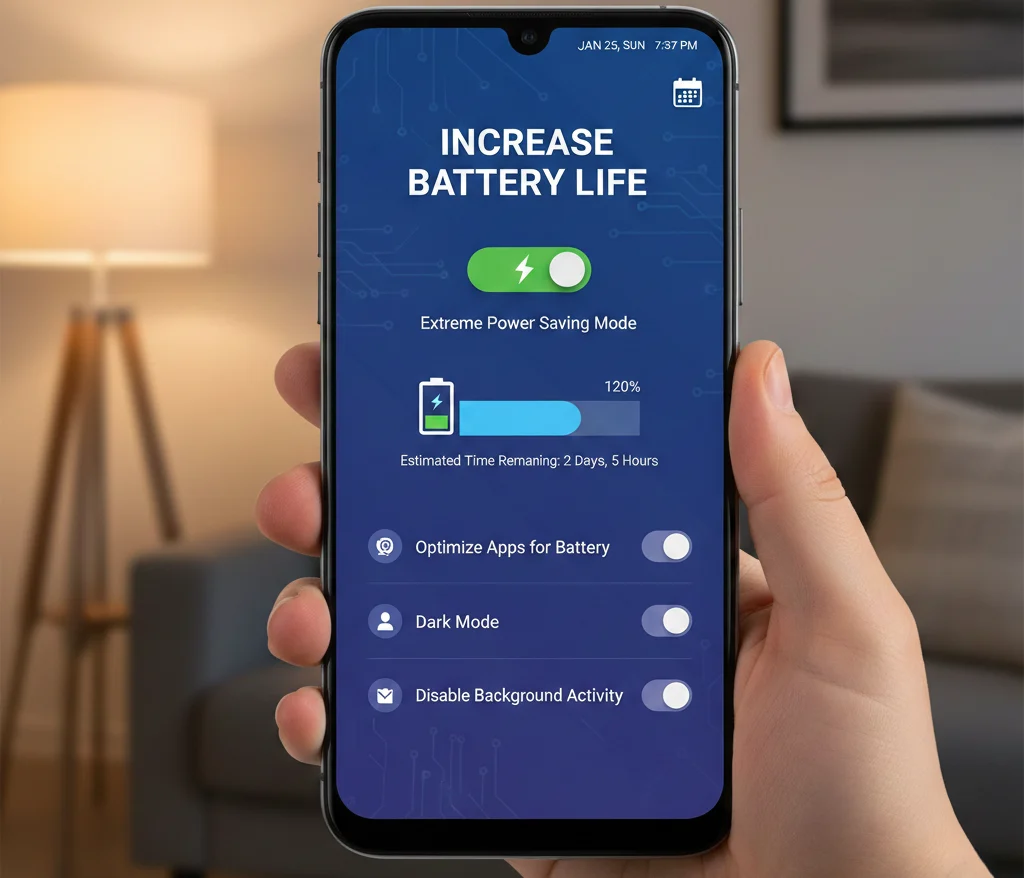
4. The android phone has another feature. This is “Vibration”. The vibration help to end your charge easily. When come any calls and come any hap tic feedback this time will be vibrate your phone. In addition, many user put on the vibration when keyboard is on. This reason when they are want to type any keys this time phone will be vibrate. But the vibration cost charge from your battery. If you want to stop this vibration so you will save your battery life easily. If you want to stop the vibration in your mobile so go to setting. Then Go to Sound → Vibrate When Ringing and Vibrate on touch stop both.
5. If you hope good battery backup so you have need to use the original battery in your smart phone. If any reasons your original battery is damaged so select good quality battery when you want to buy a battery. It will be cost enough money, but your phone keeps healthy.
6. We all are known about the display timeout option. Display timeout help to control the screen on and off time. We all are known about that, display light will cost enough charge from your smart phone battery. It has been seen an statistic , generally a user “On” their phone screen about 150+ times. So if your screen is “On” the more time so it is cost your battery charge more. So if you keep low display timeout so it will help you to save your battery charge.
7. Many device have “Sleep Times” and Samsung device’s have “Blocking Mode” options. This option help you to “Off” some feature in the certain period. Such as data connection, wi-fi , phone vibration etc . So if you want to save your battery life so you can use the option.
8. The Samsung smart phone device have some advance feature like , Air Gestures, Smart Scrolling etc. This feature’s always cost massively charge from your battery. So when these features are no need, so this time these keep stop these feature is better.
9. Generally we can use the Bluetooth, NFC and internet data connection and also Wi-fi for give and take any files. But our this work is complete , many time we also keep “On” these Bluetooth, NFC and internet data connection and also Wi-fi etc. This is not good for your mobile phone battery backup. So always “Off” these function when our work is complete.
10. If you use the original lock screen, it is beneficial for your phone. So it will be help you to increase your phone battery life.
11. Many times, we also use many unnecessary widgets in our phone’s home screen. If you want to save your battery life, remove all unnecessary widgets from your home screen.
12. We are use many apps in our Android phone. But we do not update these apps. Many people think there is no need. I think this is one of the most wrong idea. So update your all your installed apps as certain period for increase battery life.
13. Nowadays, many smartphone devices have the “Power Saving Mode” and also others options for battery management. Especially you can see this feature’s in Symphony and Walton smartphones. If you use this option so you can easily save your battery charge.
14. Many custom ROMs have the CPU overclock and underclock option. If you use the CUP under clock option so you can able to save your smartphone battery charge.
15. If your phone has the “Auto Sync” feature’s is “On” so stop it as soon as possible. Because when it is “On” this time every 15 minutes, your Google account will refresh. So “Off” this option using this way> Go to settings → Google Account → Auto Sync. Then stop it. 16. At last tip is “Stop The Google Play Store Auto Update”. If your phone has “On” this option so “Off” it as soon as possible. Manually update your apps when you feel it is needed. If you follow all the rules so you can’t face the “Battery Low” problem. So if you want to increase your smartphone battery life so follow these rules every day.